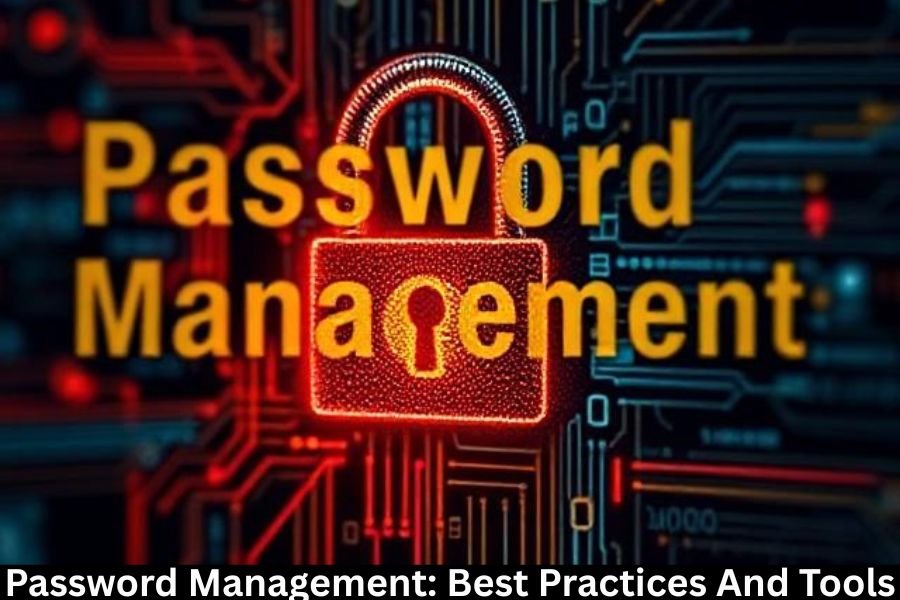
Passwords may feel old-school, but they’re still the front door to your digital life. From email and banking to social media and work tools, passwords protect everything you care about online. Weak passwords are like flimsy locks—they invite trouble.
The Cost of Poor Password Habits
Data breaches, identity theft, drained bank accounts—poor password habits can cost you time, money, and peace of mind. One weak password can open the door to dozens of compromised accounts.
Understanding Password Security Basics
What Makes a Password Strong
A strong password is long, unique, and unpredictable. It doesn’t include personal details, dictionary words, or common patterns.
Common Password Mistakes People Make
Reusing passwords, using simple words, and writing them on sticky notes are classic mistakes. Convenient? Yes. Safe? Not at all.
Why Password Management Is More Important Than Ever
Rising Cyber Threats
Hackers aren’t guessing passwords manually anymore. Automated tools can crack millions of weak passwords in seconds.
Password Reuse and Its Dangers
Using the same password everywhere is like using one key for your house, car, and office. Lose it once, and everything’s exposed.
Anatomy of a Strong Password
Length vs Complexity
Length matters more than complexity. A long passphrase is harder to crack than a short, complex password.
Passphrases Explained
Passphrases use multiple random words strung together. They’re easier to remember and tougher to break.
Examples of Strong vs Weak Passwords
- Weak:
Password123 - Strong:
BlueHorse!CoffeeRiver92
Password Hygiene Best Practices
Unique Passwords for Every Account
Each account deserves its own password. This limits damage if one site is breached.
Regular Password Updates
Change passwords periodically, especially for sensitive accounts.
Avoiding Predictable Patterns
Adding “123” or “!” doesn’t make a password strong. Hackers know these tricks.
Multi-Factor Authentication (MFA)
What Is MFA?
MFA adds an extra verification step, like a code sent to your phone or a fingerprint scan.
Why MFA Is a Game Changer
Even if someone steals your password, MFA can stop them cold.
Types of Authentication Factors
- Something you know (password)
- Something you have (phone, token)
- Something you are (biometrics)
What Is a Password Manager?
How Password Managers Work
Password managers store your passwords in an encrypted vault protected by one master password.
Benefits of Using a Password Manager
They generate strong passwords, autofill logins, and keep everything secure in one place.
Types of Password Management Tools
Cloud-Based Password Managers
Accessible from anywhere and synced across devices.
Browser-Based Password Managers
Convenient but often less secure than dedicated tools.
Enterprise Password Management Solutions
Designed for teams, offering access control and auditing features.
Top Password Manager Features to Look For
Encryption and Zero-Knowledge Architecture
Only you can access your data—not even the provider.
Cross-Device Syncing
Seamless access across phones, tablets, and computers.
Password Generation
Automatically creates strong, random passwords.
Secure Sharing
Safely share passwords without revealing them.
Popular Password Management Tools
Password Managers for Individuals
Ideal for personal use, offering simplicity and affordability.
Password Managers for Families
Shared vaults with parental controls.
Password Managers for Businesses
Advanced security, role-based access, and compliance support.
Password Management for Businesses
Employee Access Control
Limit access based on roles to reduce risk.
Reducing Insider Threats
Track usage and revoke access instantly when needed.
Compliance and Auditing
Essential for meeting regulatory requirements.
Managing Passwords on Mobile Devices
Mobile Security Challenges
Lost phones and unsecured apps can expose credentials.
Biometric Authentication
Fingerprints and face recognition add another security layer.
Common Password Management Myths
“Password Managers Are Not Safe”
In reality, they’re far safer than memorizing or reusing passwords.
“I Can Remember All My Passwords”
Maybe a few—but not dozens of strong, unique ones.
What to Do If Your Password Is Compromised
Immediate Steps to Take
Change the password, enable MFA, and monitor for suspicious activity.
Long-Term Security Improvements
Adopt a password manager and review security settings regularly.
Future of Password Management
Passwordless Authentication
Biometrics and security keys are reducing reliance on passwords.
Biometrics and AI in Security
Smarter systems adapt to behavior and detect threats in real time.
Conclusion
Password management isn’t optional anymore—it’s essential. Strong passwords, smart habits, and reliable tools form the foundation of digital security. By following best practices and using the right password manager, you turn your weakest security link into one of your strongest defenses.
Frequently Asked Questions
Are password managers safe to use?
Yes, when reputable tools with strong encryption are used.
How often should I change my passwords?
Every 3–6 months for critical accounts or immediately after a breach.
What is the best password length?
At least 12–16 characters for strong security.
Can I use the same password with MFA enabled?
It’s still risky—unique passwords are always better.
Is biometric authentication safer than passwords?
It adds security, but works best alongside strong password practices.